Are all functions in the free version available?
All effects are in the free version available. Please define a selection for this. (Round buttons)
In the free version you can save in the m4a, wav and wma format.
Choose one of this formats in the filepicker.
Effects are gray
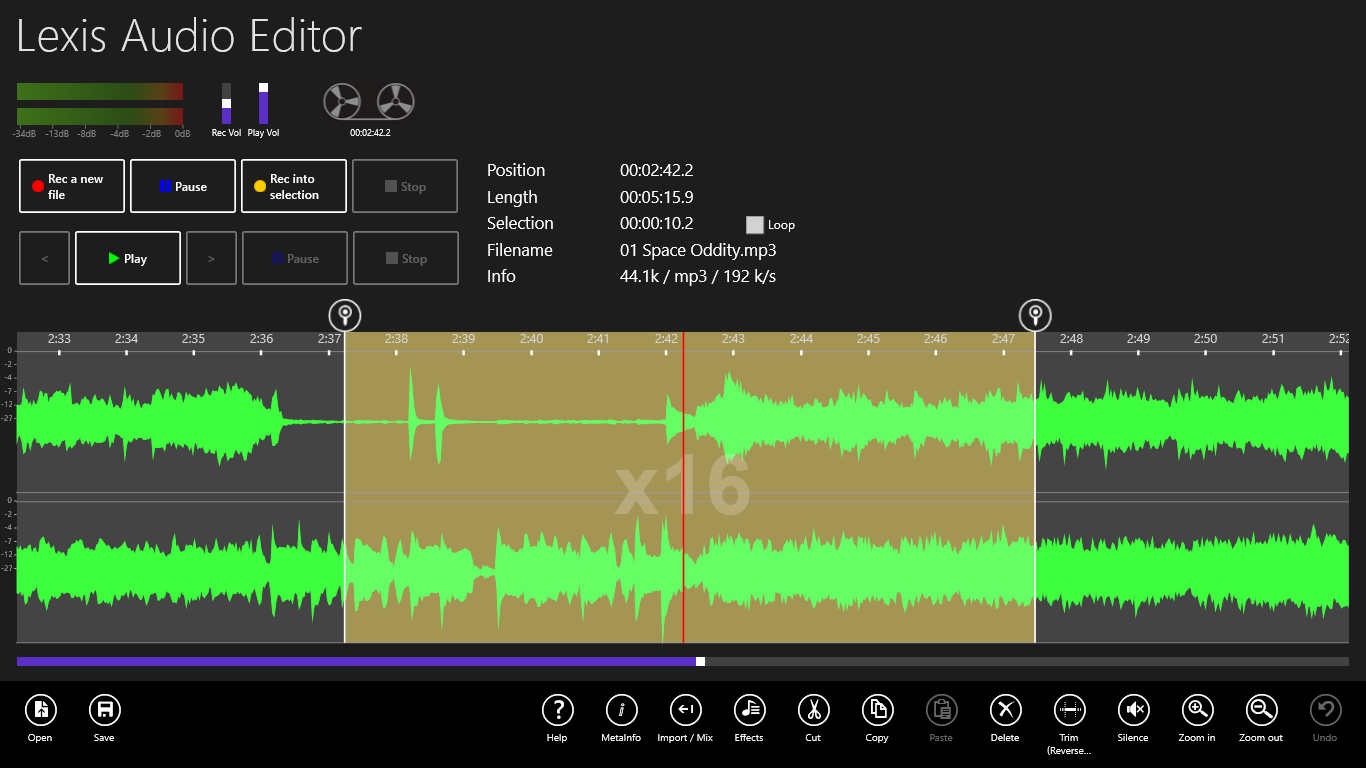
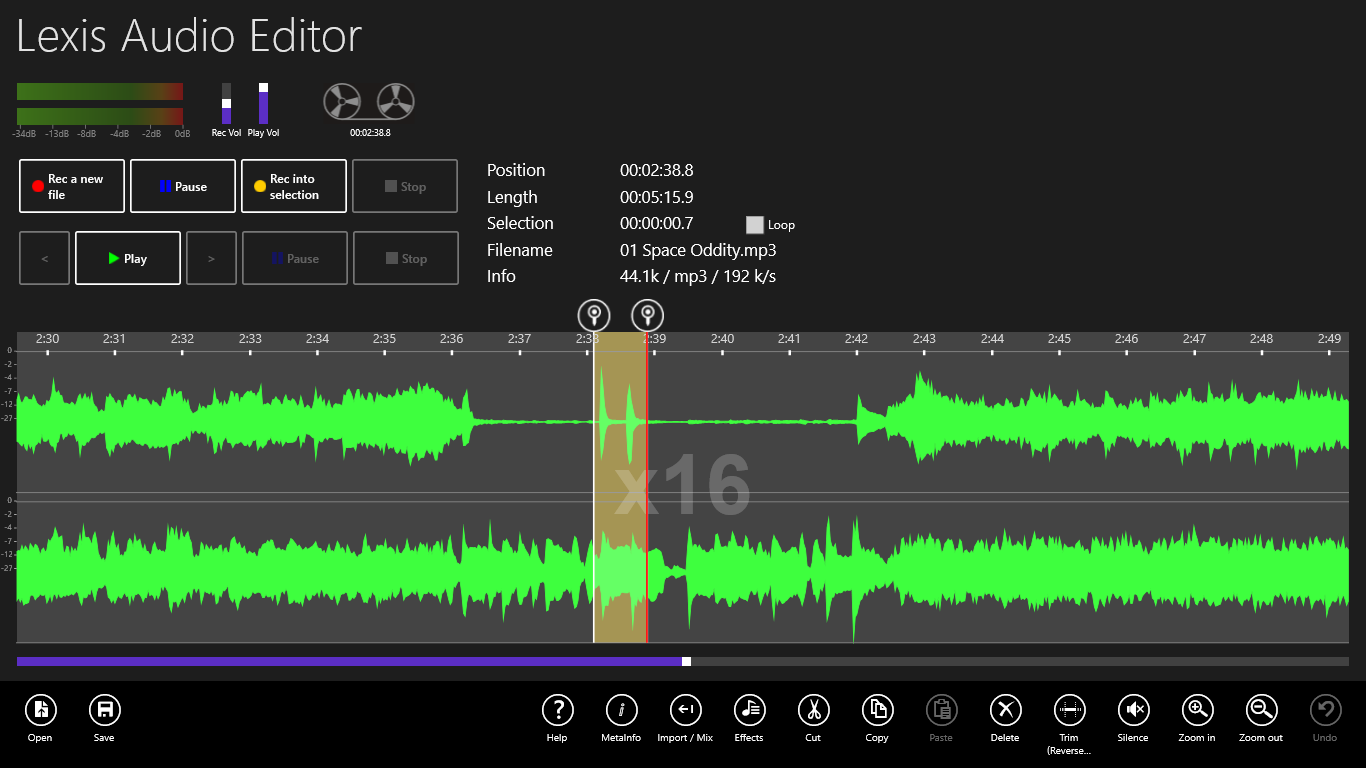
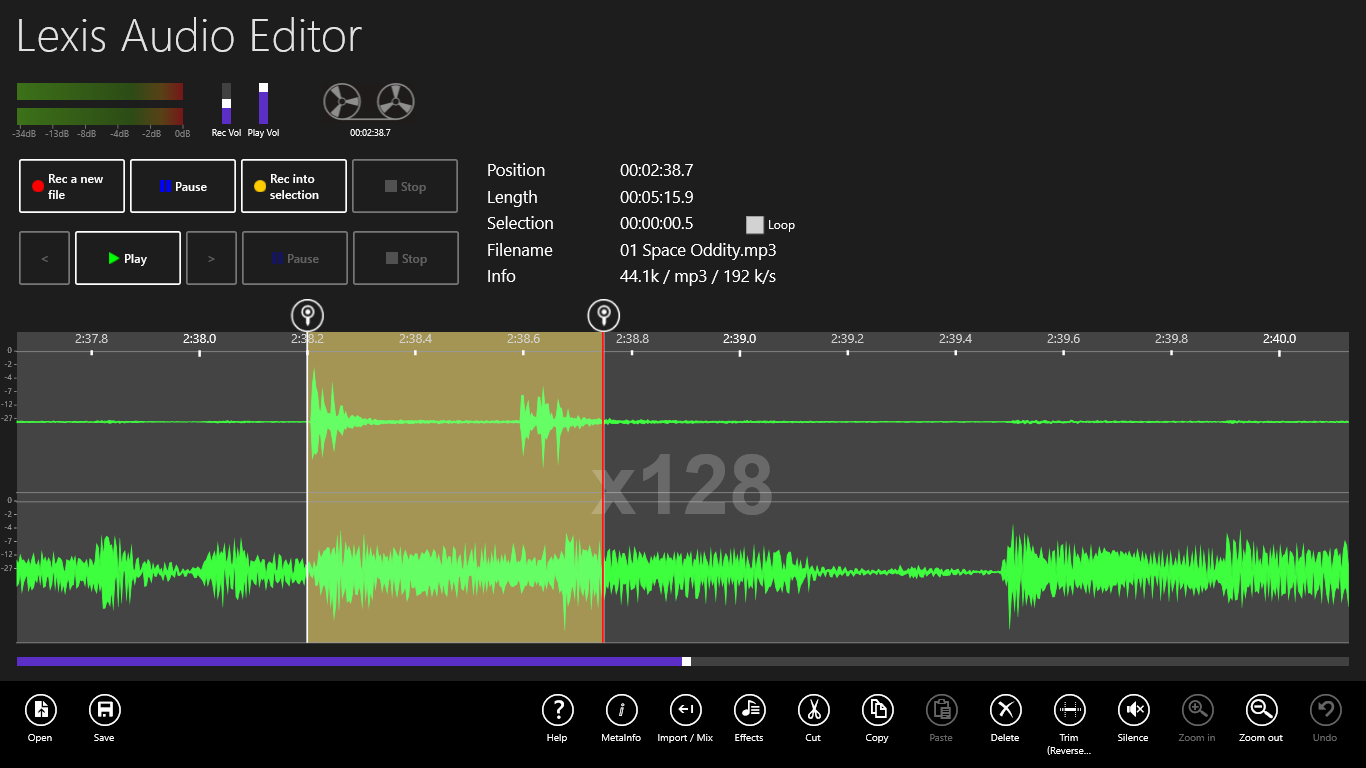
Please define a selection to apply the functions. (Round buttons upstairs of the curve) See the tutorial at Define a selection
Sound Input Device error -2147024891
1. Please activate unter Windows Settings/Privacy/Microfone the Lexis Audio Editor.
2. Under Windows x86 at least one audio input driver should be installed.
To verify this open in the Windows Control Panel “Sound” and there choose the tab “Record”.
How is the lowest possible bitrate?
The minimal bitrate in Lexis Audio Editor is 96kb/s. If your record is in a lower bitrate LAE saves it anyway in this quality.
Is there any way to record solely from an active internet audio stream directly via the soundcard (without getting external room sounds from the MIC-IN)?
Under Windows 10 desktop and tablet:
Open in the Windows Control Panel “Sound” and there choose the tab “Record”. If there is no item “Stereomix” click right and choose “Show deactivated devices”.
If the item “Stereomix” is visible aktivate it (Right click).
Set the Stereomix as statndard with a right click.
In some cases the installed audio driver has no Stereomix. You can search the original driver from your Sound card vendor.
Another solution is a software „Virtual Audio Cable“.
 a file or create
  a new record.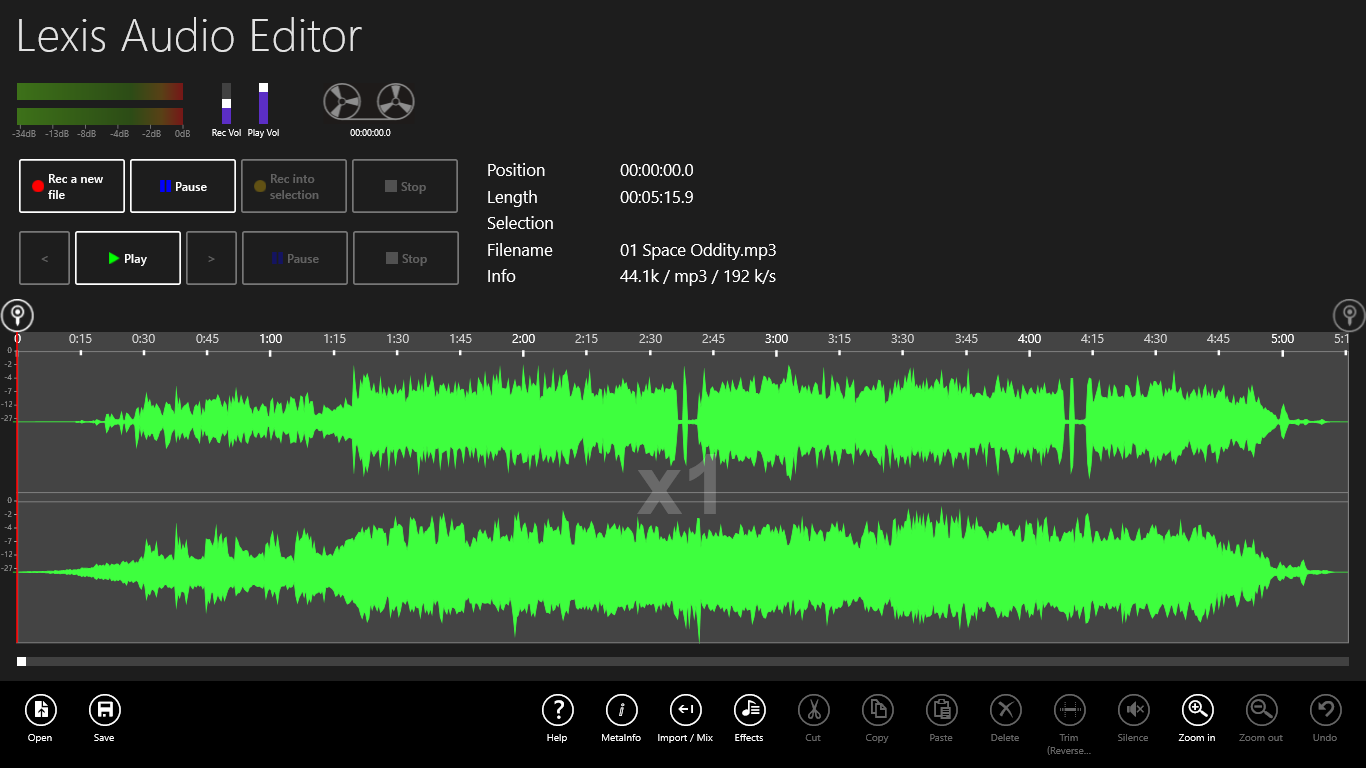
 to the desired start position.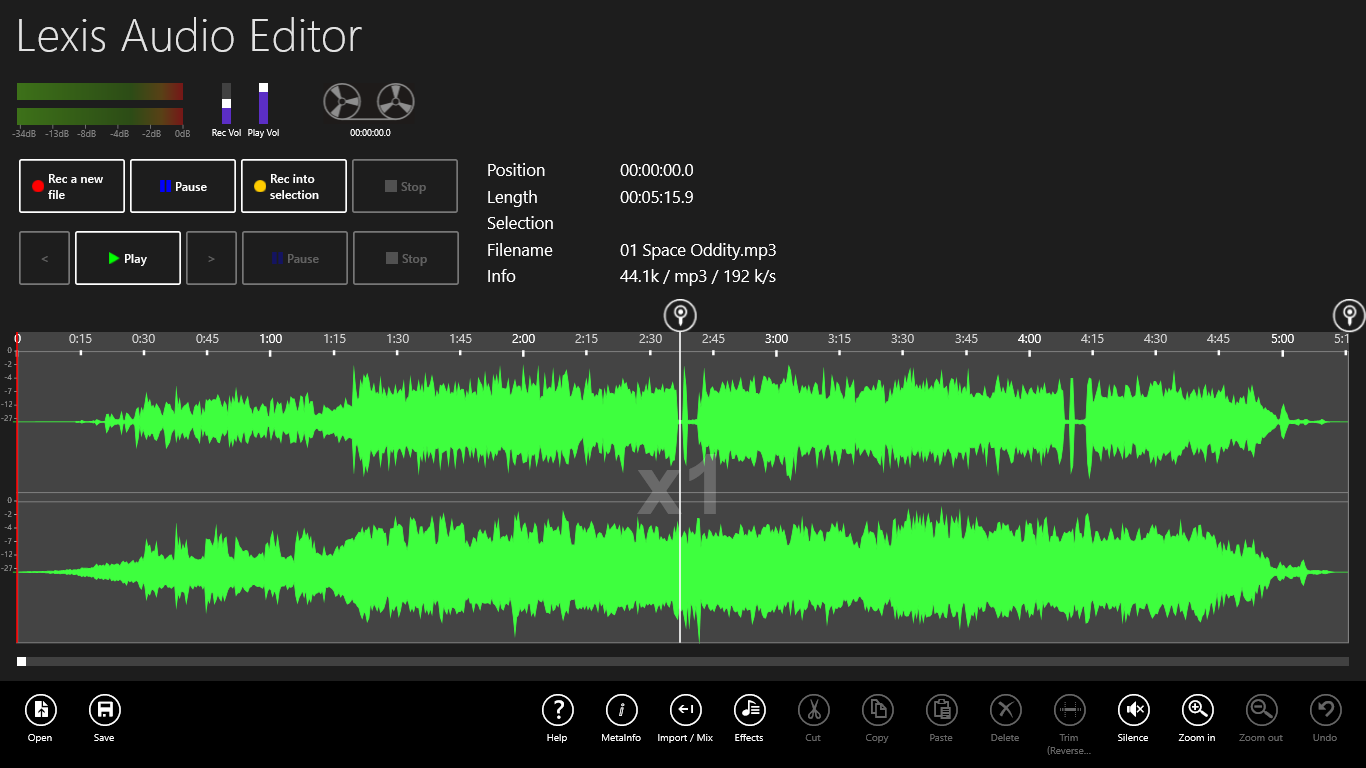
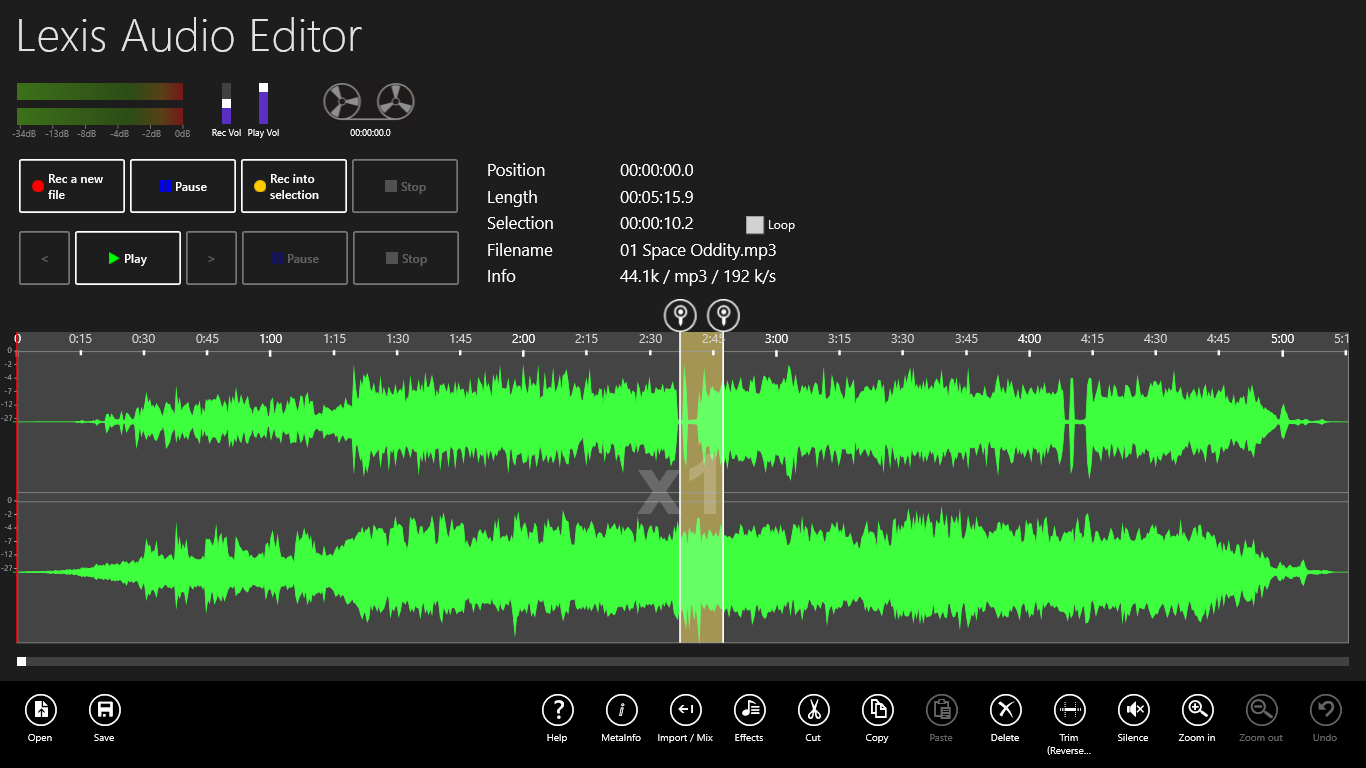
 and Stop
  . Tap on Zoom in
  to preview and adjust your selection.